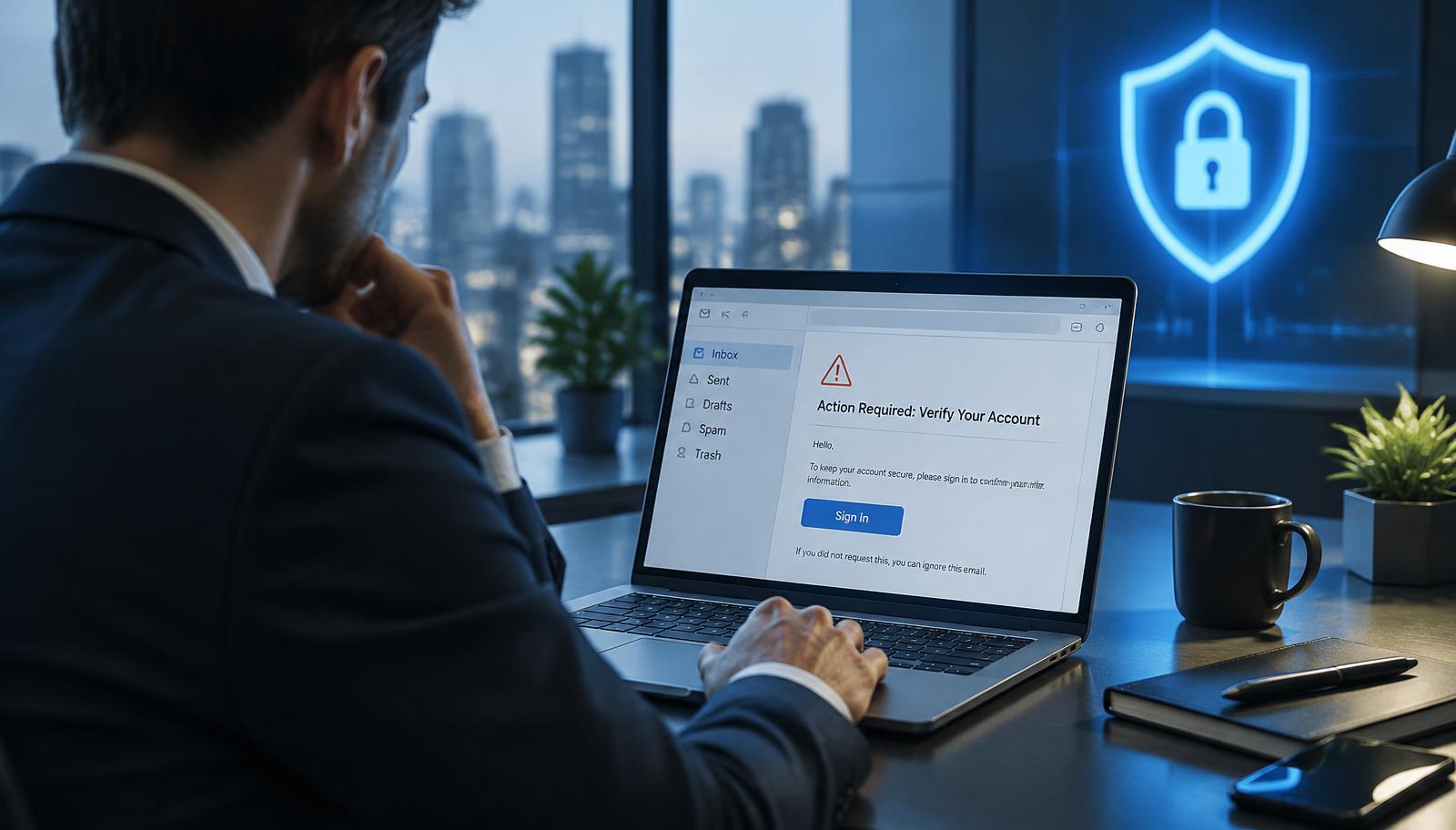
Phishing is a social-engineering attack designed to make a person act before they have time to think. A message may imitate a colleague, supplier, bank, delivery company, or familiar online service. Its goal is usually to steal a password, redirect a payment, collect sensitive information, or persuade someone to open a harmful link or attachment.
These attacks are no longer limited to poorly written emails. Criminals can produce convincing messages, copy real branding, create lookalike sign-in pages, and move the conversation across email, text messages, phone calls, collaboration tools, and QR codes. Strong awareness therefore depends on behavior and context—not grammar alone.
What phishing looks like today
Phishing can arrive through several channels. Email phishing is sent broadly, while spear phishing targets a particular person or team. Smishing uses text messages, vishing uses phone calls or voice messages, and QR phishing—sometimes called quishing—hides a destination behind a QR code. Business email compromise may impersonate an executive or supplier to request a payment or change bank details.
The method changes, but the pressure is often familiar: act urgently, keep the request confidential, bypass a normal process, or enter information on a page reached through the message.
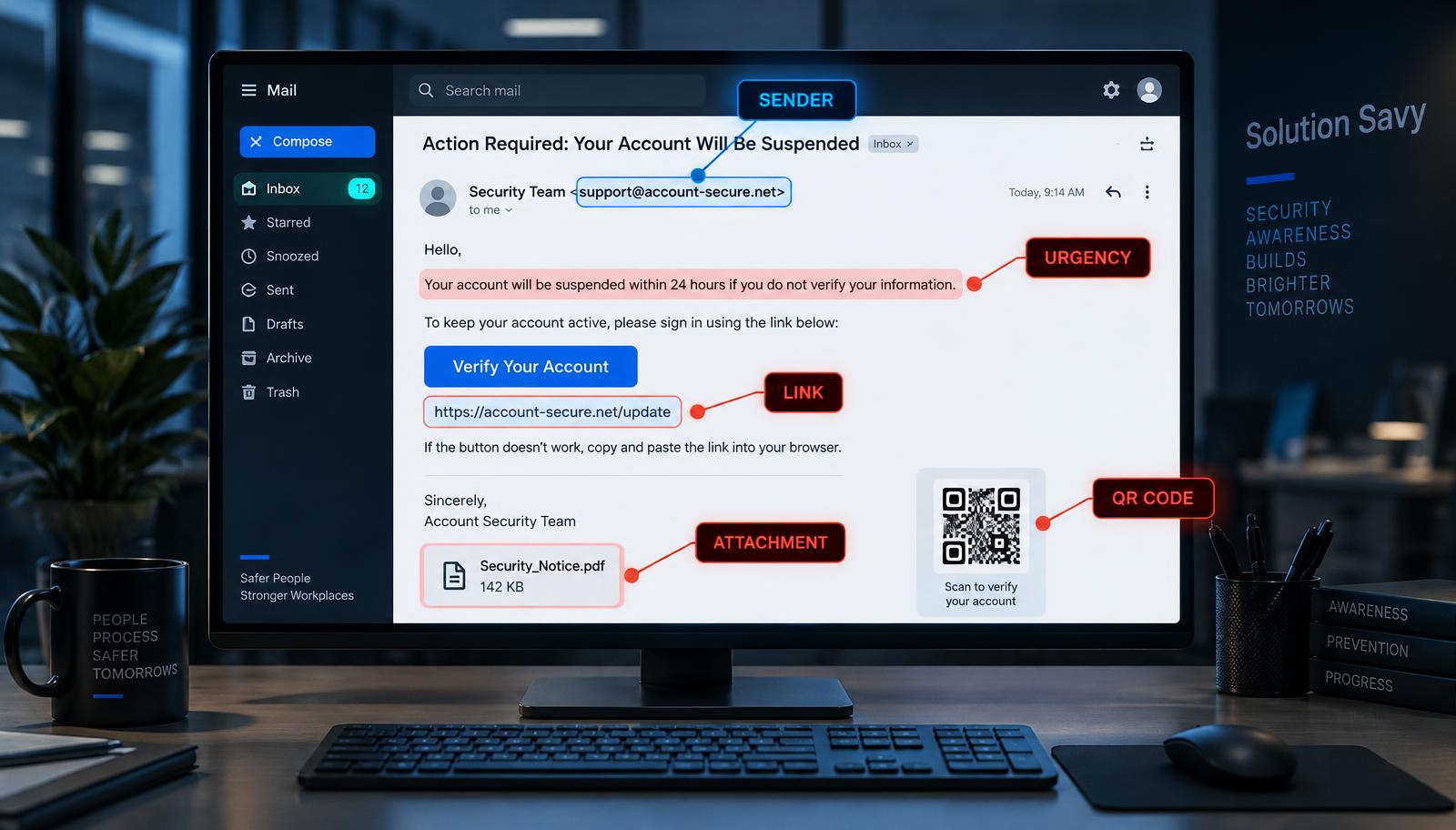
Warning signs worth checking
One unusual detail does not always prove a message is malicious. Several warning signs together should make you pause and verify.
The sender name looks familiar, but the full email address or domain is slightly different.
The message creates urgency, fear, curiosity, or pressure to keep the request secret.
You are asked to sign in, share a one-time code, provide personal information, or approve an unexpected payment.
A link points somewhere different from the address shown, or a shortened link hides the destination.
An attachment, shared document, or QR code arrives without context or from someone who does not normally send it.
The request bypasses your organisation’s usual approval, purchasing, password-reset, or payment process.
The message claims to be from a senior leader, supplier, or support team but discourages independent verification.
Pause before you click
If a message feels unusual, do not use its links, attachments, phone numbers, or QR code to investigate it. Open the organisation’s official website yourself, use a saved contact, or start a new message to a known address. For internal requests, call the colleague through your normal directory or speak with them directly.
Never share a password or multi-factor authentication code in response to an unsolicited request. A genuine support team should not need your password. Password managers can also help because they will not automatically fill credentials on a lookalike domain.
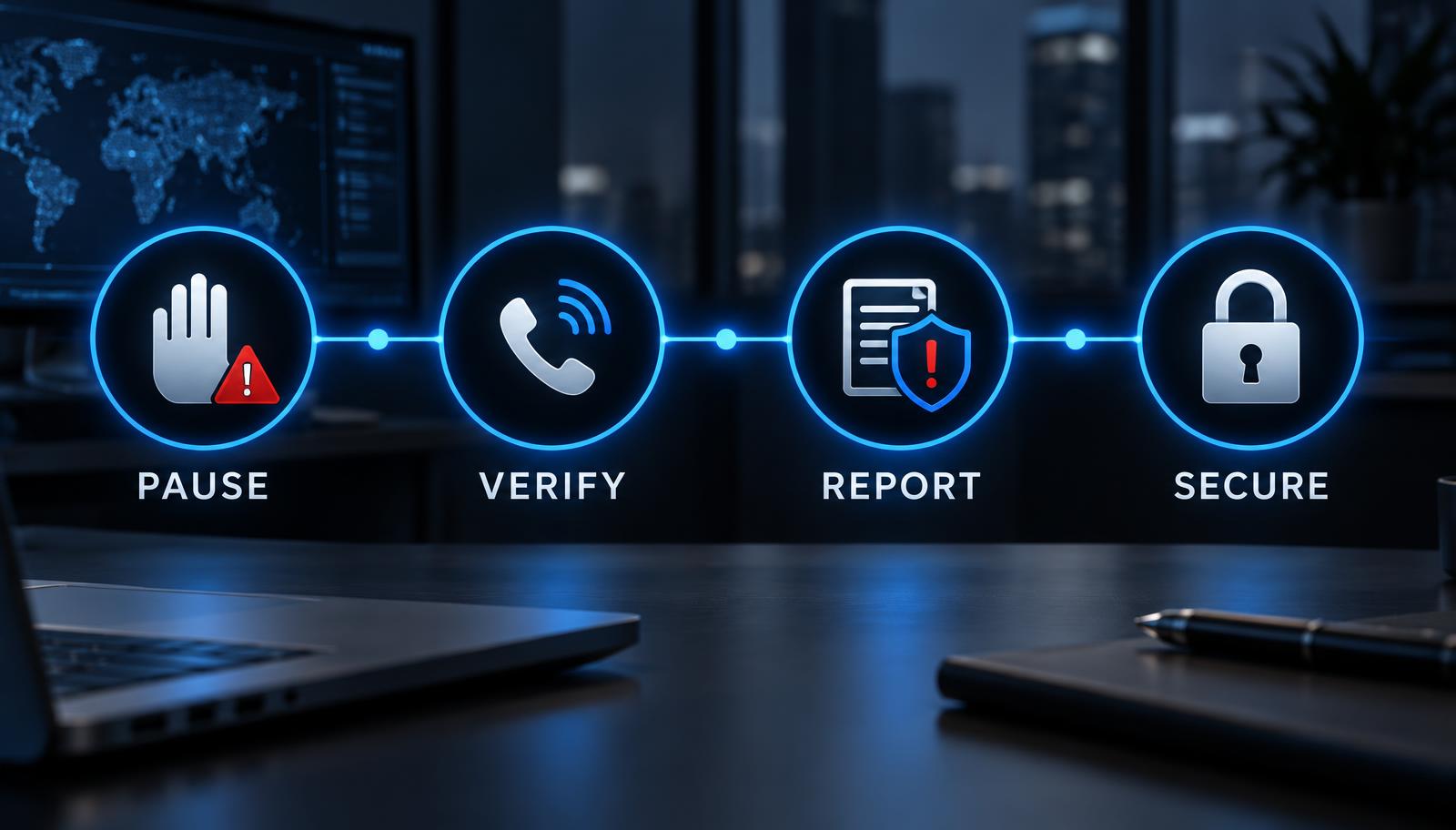
A simple response: pause, verify, report, secure
Pause: stop interacting with the message. Do not reply, click, scan, download, or forward it to colleagues as a warning.
Verify: contact the supposed sender through a separate, trusted channel. Confirm payment or account-change requests using an established process.
Report: use your organisation’s phishing-reporting option or send the message to the security or IT team according to policy. Keep the original message available for investigation.
Secure: after reporting, remove the message. If you entered information or opened something, tell IT immediately so the team can contain the risk.
If you clicked or shared information
Act quickly, but do not panic. Disconnect the affected device from the network if your IT team instructs you to do so. From a trusted device, change any exposed password and every other account that reused it. Revoke unfamiliar sessions, review multi-factor authentication methods, and contact your bank immediately if financial information or a payment may be involved.
Tell your IT or security team exactly what happened, including the message, link, attachment, information entered, and approximate time. Prompt reporting gives defenders the best chance to block the sender or website, reset sessions, check the device, warn other recipients, and preserve useful evidence.
How organisations can reduce phishing risk
Awareness training is important, but it should not carry the whole burden. Effective phishing defence uses several layers so that one mistake does not automatically become a serious incident.
Provide short, recurring awareness sessions based on the messages employees are likely to receive.
Make suspicious messages easy to report and respond without blaming the person who reported them.
Use unique passwords, an approved password manager, and phishing-resistant multi-factor authentication such as passkeys or security keys where practical.
Configure email authentication and filtering, link and attachment protection, endpoint security, and timely software updates.
Require independent verification and dual approval for payments, bank-detail changes, sensitive data releases, and privileged access.
Maintain and rehearse an incident-response process so everyone knows whom to contact and what to preserve.
The employee checklist
Before acting on an unexpected message, ask: Was I expecting this? Does the full sender address make sense? Is the message pressuring me to act differently from our normal process? Can I verify the request through a trusted channel? If any answer causes doubt, stop and report it.
Security awareness is a shared responsibility
Phishing succeeds by exploiting trust, timing, and pressure. The most useful habit is not memorising every scam; it is creating enough space to verify an unexpected request. Employees who feel safe reporting mistakes, supported by strong technical controls and clear procedures, give an organisation a much better chance of stopping an attack early.
This guidance reflects recommendations from the US Cybersecurity and Infrastructure Security Agency and the UK National Cyber Security Centre, both of which emphasize recognizing suspicious behavior, verifying independently, reporting quickly, and using layered protections rather than relying on a single control.
Originally published on Solution Savy. Need help with this? Book a consultation.